2026 Reseller Tax-Year Workbook
Organize your 2026 reseller records for preparer review. Manual bookkeeping workbook and Quick Start PDF; does not prepare or file a return.
You’ll continue to Payhip to confirm the current price, full product details and payment. Digital files are delivered through Payhip after purchase. No physical item ships.
What you receive
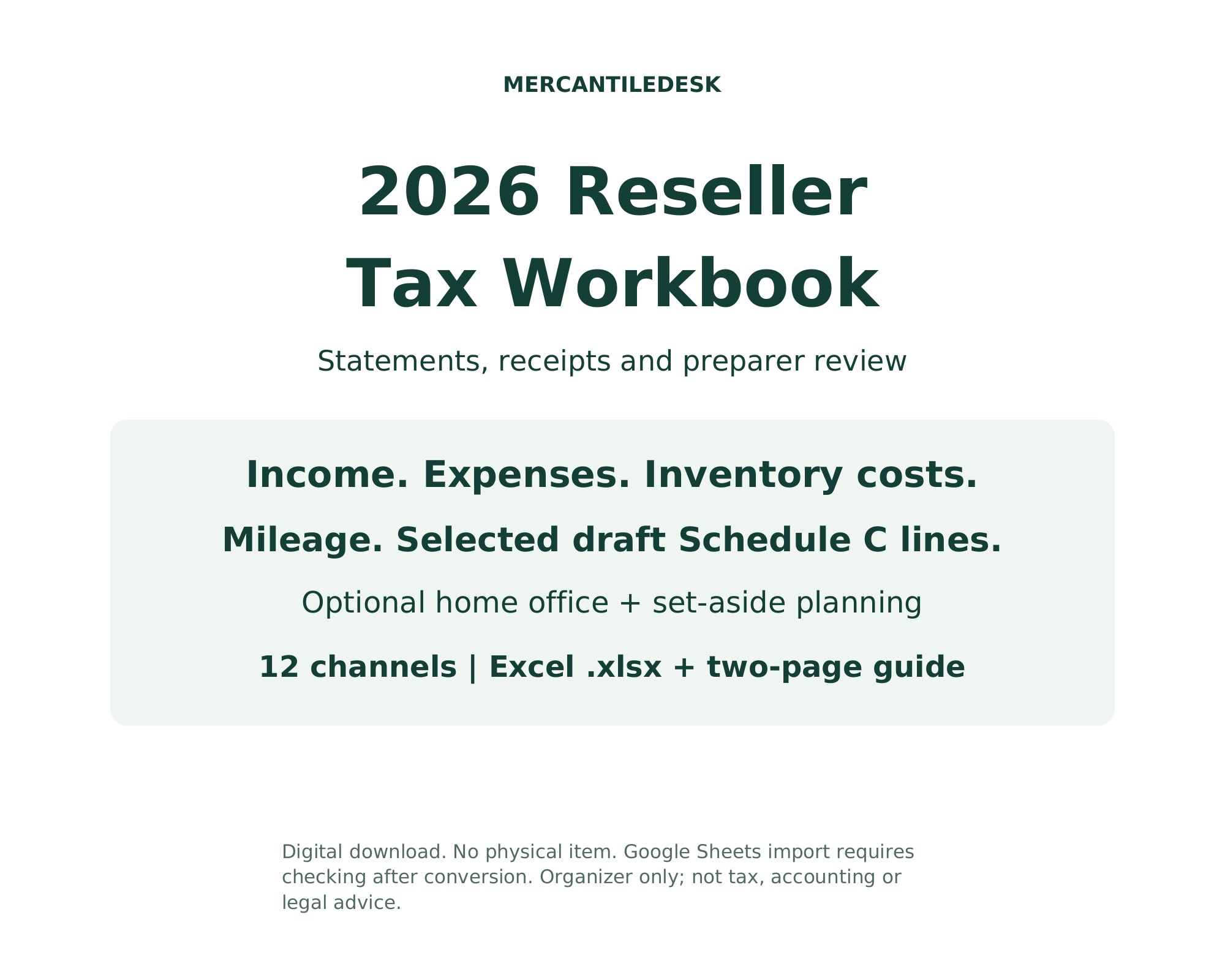
A 2026 calendar-year bookkeeping organizer for resellers: manually enter platform statement totals, receipts, inventory purchase costs and business trips. The ten linked tabs summarize selected draft Schedule C lines for preparer review. Excel .xlsx workbook plus a matching two-page Quick Start PDF. Instant digital download; nothing ships. START HERE and Settings explain the workflow. Income tracks distinct monthly/channel statement totals and separates buyer sales tax from gross receipts. Expenses maps 22 listed categories; most meal entries use the configured deduction share. COGS reconciles annual beginning inventory, purchases, eligible additional costs and ending inventory at cost. It does not count units or implement item-level FIFO or perpetual inventory. Mileage selects the verified 2026 IRS business rate from each trip date: $0.725 through June 30 and $0.76 from July 1. Optional simplified home-office calculations cap eligible area and limit the deduction to tentative profit. A qualified preparer must review eligibility, part-year use and unmodeled return items. The Estimates tab is a set-aside budget using your chosen flat rates and a limited self-employment-tax model. It can overstate or understate tax. It omits other income, deductions, credits, Additional Medicare Tax, QBI, withholding and safe-harbor/annualized-payment rules. Four equal budget shares are not required-payment calculations. Use Form 1040-ES or your preparer for required payments. 1099-K Check compares box 1a with recorded gross and gross plus buyer tax. Confirm the payer type. The federal TPSO screen uses more than $20,000 AND more than 200 transactions; direct payment-card reporting has no TPSO dollar/count threshold. Forms can issue below thresholds, and state rules may differ. The screen does not decide filing or form-issuance obligations. Record all business income even without a form. Supported capacity: 240 Income rows, 500 Expenses, 400 inventory purchases, 500 Mileage trips and 12 channels. Enter real records from row 8. Gray rows 6-7 are excluded examples. Back up, then clear only the input ranges specified in START HERE and the Quick Start; never clear whole rows or formulas. CHECK warnings must be resolved before using results. Copied/inserted extra rows are not supported. No macros, automated statement imports or marketplace synchronization. The file is an Excel .xlsx. Google Sheets users can import it, then must check formulas, dates, dropdowns, warnings, totals and layout after conversion. Genuine Microsoft Excel and Google Sheets testing was unavailable in the QA environment; native compatibility certification is not claimed. An organizer, not tax, accounting or legal advice; it does not prepare or file a return. Selected line references follow the May 15, 2026 draft Schedule C and may change in the final form. IRS/SSA sources checked October 5, 2026. Verify final IRS instructions and review your figures with a qualified preparer. The gallery uses illustrative example figures. Made by MercantileDesk for resellers, vintage dealers and antique booth vendors, using AI-assisted spreadsheet engineering and independent recalculation checks. Questions: message the shop. You will get the following files: * PDF (47KB) * XLSX (197KB)
Source checked 2026-10-15. Full details on Payhip ↗