Vintage Reseller Profit & Inventory Spreadsheet
Follow one-of-a-kind inventory and lot purchases through sale records and entered-cost profit reporting.
You’ll continue to Payhip to confirm the current price, full product details and payment. Digital files are delivered through Payhip after purchase. No physical item ships.
What you receive
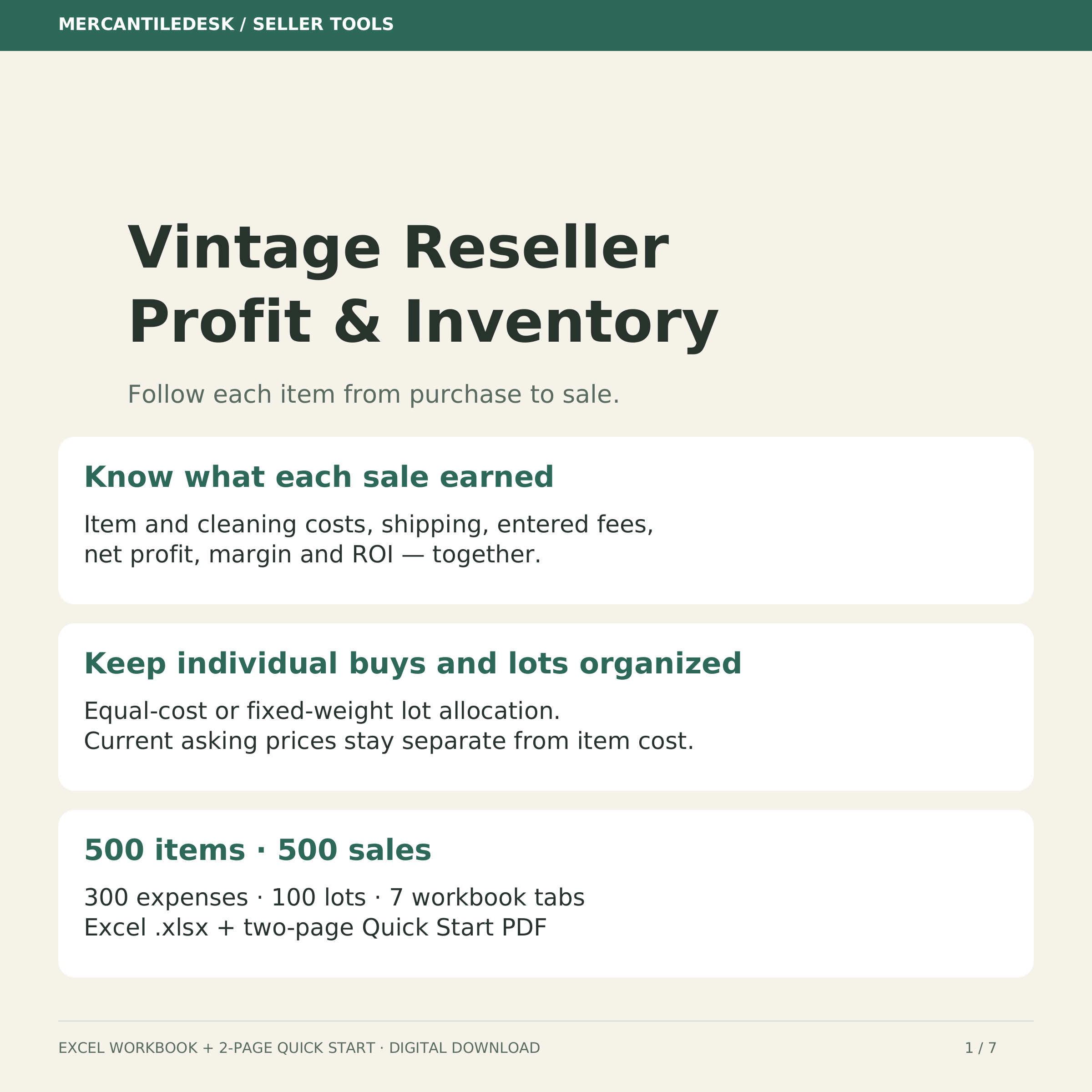
Know what each vintage or antique sale earned after the costs you enter. This Excel workbook follows individual items and lot purchases through inventory, sale records and profit reporting. WHAT YOU RECEIVE • Vintage Reseller Profit & Inventory workbook (.xlsx), version 2026-10-04-b2 • Two-page Quick Start PDF with safe example clearing, setup, lot allocation, actual-fee and buyer-tax instructions • Seven tabs: START HERE, Settings, Lots, Inventory, Sales, Expenses and Dashboard INDIVIDUAL ITEMS AND LOT PURCHASES Use one unique SKU per physical item. Record direct purchase cost plus cleaning, parts or restoration costs. For a lot, choose equal-cost allocation or fixed allocation weights, such as each item's original asking price. The weights are stored separately from current asking prices, so editing an asking price does not change allocated cost. Add all lot members before the first sale, then freeze lot cost, allocation method, membership and weights. SALES, SHIPPING AND FEES Record the sale price, shipping charged, shipping paid and other sale costs. The workbook calculates entered-cost profit, margin and ROI. Buyer tax is an optional fee-base input; it is excluded from revenue. Enter actual total fees for each sale, including zero, to override estimates and preserve that fee when Settings changes. For multi-item orders, allocate the actual order fees across the item rows. Fee defaults illustrate specific US account/category assumptions. Review and configure your own rates, bases and small-order fees before using estimates. Actual tiers, category rates, ads, currency, rounding and account terms may differ. Blank actual-fee inputs use current Settings, so historical estimates can change when those settings change. Record subscriptions and general costs in Expenses without double-counting costs already entered elsewhere. DASHBOARD AND WARNINGS See monthly results for your selected year, plus all-date profit by channel and category, unsold inventory and aging. Weighted margin is profit divided by revenue; average ROI excludes zero-cost sales. CHECK messages identify invalid or incomplete records. Correct the warnings before reading totals. Mark an item's Inventory status Sold yourself after recording its one completed sale. SUPPORTED CAPACITY 500 inventory items and 500 sales, rows 6–505 300 expenses, rows 6–305 100 lots, rows 6–105 These are fixed supported ranges. Copying or inserting extra rows does not extend lookups or summaries. At capacity, use a separately labeled workbook; its Dashboard covers only its own records. A lot does not expand the 500-item inventory limit. OPENING AND SAFE START Keep an untouched backup. The Quick Start identifies the exact example input cells to clear; preserve formulas and do not clear entire rows. Illustrated records and profit figures are examples. Excel .xlsx format, with no macros. For Google Sheets, import the .xlsx and verify formulas, dates, dropdowns, warnings and layout after conversion before real use. A Google Sheets conversion is not certified. A desktop spreadsheet application is recommended for setup and entry. SCOPE Manual bookkeeping for unique items. No automated marketplace import, stock-quantity or refund workflow. Cancelled or returned sales require input-only removal and manual status changes after archiving their history. Profit includes only the costs you enter. This workbook does not prepare a tax return or guarantee an income result. Digital download only; no physical item ships. Built for vintage and antique sellers by LintHead Restorations, with AI-assisted engineering. If a result looks wrong, message the shop with the tab, cell and steps that reproduced it. You will get the following files: * XLSX (396KB) * PDF (48KB)
Source checked 2026-10-15. Full details on Payhip ↗